Upload and send
Prepare PDF signing requests and invite recipients.

Send documents for electronic signature, verify recipients, automate reminders and track signing progress from one online workspace.
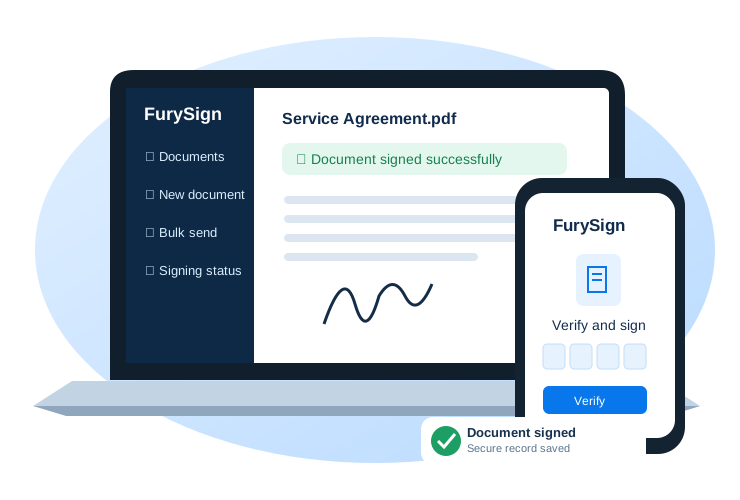
From one-off PDF signatures to reusable business workflows.
Prepare PDF signing requests and invite recipients.
Review and sign from a phone, tablet or desktop.
Send requests to multiple recipients when enabled on your account.
Use supported email OTP and optional SMS verification.
See signing statuses and manage your documents.
Keep signed PDFs and associated audit information.
Prepare common document workflows faster with saved templates.
Follow up on outstanding signing requests with supported reminder schedules.
Manage contacts, teams and invitation branding where available on your plan.
Add a PDF and recipient details.
Send a secure link and use the verification method configured for the recipient.
Recipients review the document and complete their signing steps.
Access the signed document and available audit records.
Optional prepaid SMS credits are sold separately.
R89 / month
50 documents per month
R179 / month
150 documents per month
R349 / month
400 documents per month
Prices shown in ZAR; confirm VAT and payment terms before purchasing. Some subscription, SMS and rollover functions are still being tested. Ordinary electronic signatures are not suitable for every transaction.
Available payment methods depend on your checkout and Payfast configuration.
🔒 Payments are processed securely through Payfast. Available methods are displayed at checkout.
We combine account controls and signing evidence, while continuing to improve our security processes.
New customer accounts require email verification before login.
Supported recipient workflows use expiring, single-use verification codes.
Completed PDFs can be checked against stored SHA-256 fingerprints.
Relevant signing events are recorded for audit and review.
Customer documents are associated with their owning account.
Read our POPIA-focused privacy notice and electronic-signature limitations.
FurySign is designed around HTTPS connections, controlled document access, recipient verification and signing audit records. No independent security certification or POPIA-compliance certification is claimed.
Explore the seven steps to send and manage a signed PDF. This is a simulation; no documents are sent or credits used.
Review your profile and enable multi-factor authentication where available.
Illustrative demonstration — not a real document or signing event.Estimate your monthly document volume. SMS credits are purchased separately.
Estimates use advertised monthly document allowances, not guaranteed usage or checkout prices. VAT, SMS charges and terms must be confirmed at checkout.
Compare existing plans →Use FurySign’s existing verification facility to check a document’s available verification information.
Verification is not a legal determination of whether a signature is appropriate for a particular transaction.
Recipients can use the secure invitation or document-access process provided to them; they do not normally need to register as a paying customer.
Yes. The free self-signing tool lets you upload, sign and download your own PDF without an account or signing credits. Open free PDF signing.
Depending on the chosen workflow, recipients may verify using an email one-time PIN, optional SMS verification or a temporary PIN.
FurySign supports mobile-friendly document access and signing. Some advanced PDF features may work better on larger screens.
The completed PDF and available signing history can be accessed through the relevant account or secure workflow.
South Africa’s Electronic Communications and Transactions Act recognises electronic signatures in many circumstances, but certain transactions or legal requirements may need an advanced electronic signature or another form of execution. Obtain legal advice for important transactions.
Learn about verification, privacy and electronic-signature limitations.
FurySign uses controlled document access, supported recipient verification methods and signing-event records. These measures do not guarantee identity or prevent every type of fraud.
Where available, completed PDF fingerprints can be compared against stored SHA-256 records. Verification should be interpreted together with the audit evidence.
Personal information may be processed to deliver signing invitations and maintain signing records. Review the privacy notice for details. No independent POPIA compliance certification is claimed.
FurySign provides ordinary electronic-signature workflows. Some documents require additional formalities or an advanced electronic signature. Read the terms and security information.